Mentra Live apps: the Mentra miniapp store
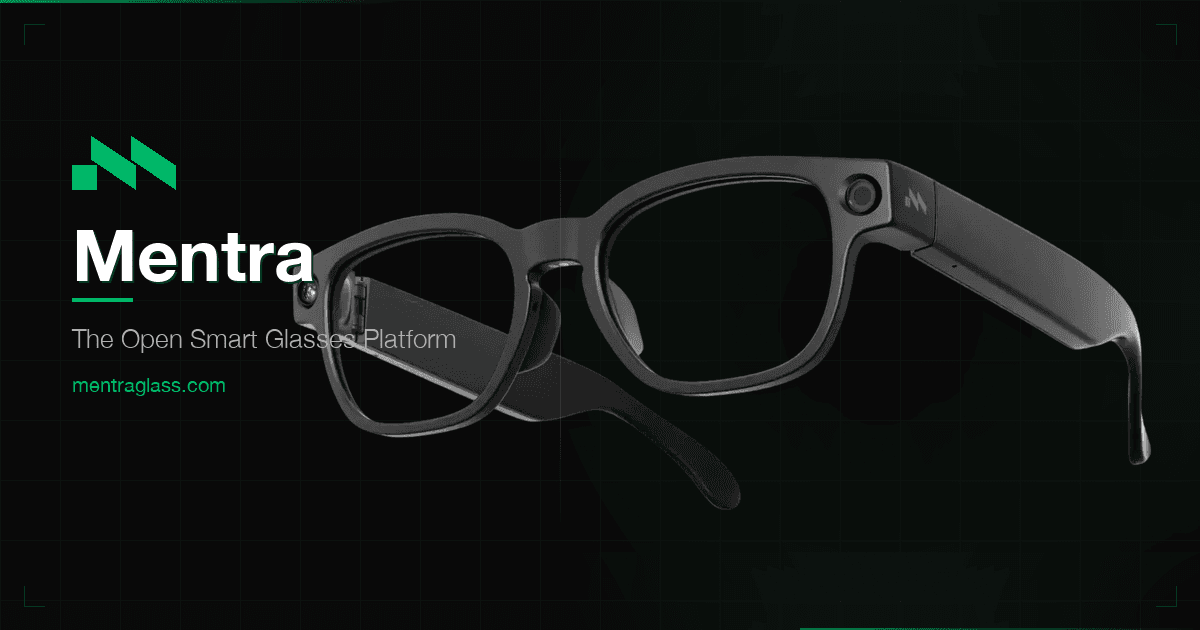
Mentra Live are camera glasses with speakers and microphones but no display, running Mentra's open-source MentraOS. Apps come from the miniapp store inside the free Mentra phone app. Miniapps run on your phone and use the glasses' camera, mic and speakers, for example to livestream your view or ask the AI about what you see.
- Display
- Audio only (no display)
- Field of view
- No display
- Input
- Voice, touch on the arm, phone app
- Where apps come from
- Mentra miniapp store in the Mentra app
How to get apps on Mentra Live
Install the Mentra app on iPhone or Android, pair Mentra Live, then add miniapps from the store inside the app.
2 apps verified

Mentra - The Smart Glasses App
Mentra's free smart-glasses app and miniapp store: live captions, AI, notes, translation and livestreaming on Even G1/G2, Vuzix Z100 and Mentra Live.
Streamer
Livestreams your point of view to Twitch, YouTube and other destinations from the glasses.
Common questions
Does Mentra Live have a display?+–
No. Mentra Live has a 12 MP camera, speakers and microphones. Display miniapps such as captions show up on display glasses like the Even G1 instead.
Can Mentra Live livestream?+–
Yes. The Streamer miniapp streams your point of view to platforms such as YouTube and Twitch.
Is MentraOS open source?+–
Mentra describes MentraOS as open source, and the code is on GitHub.