Even Realities G1 apps: official, custom and open-source
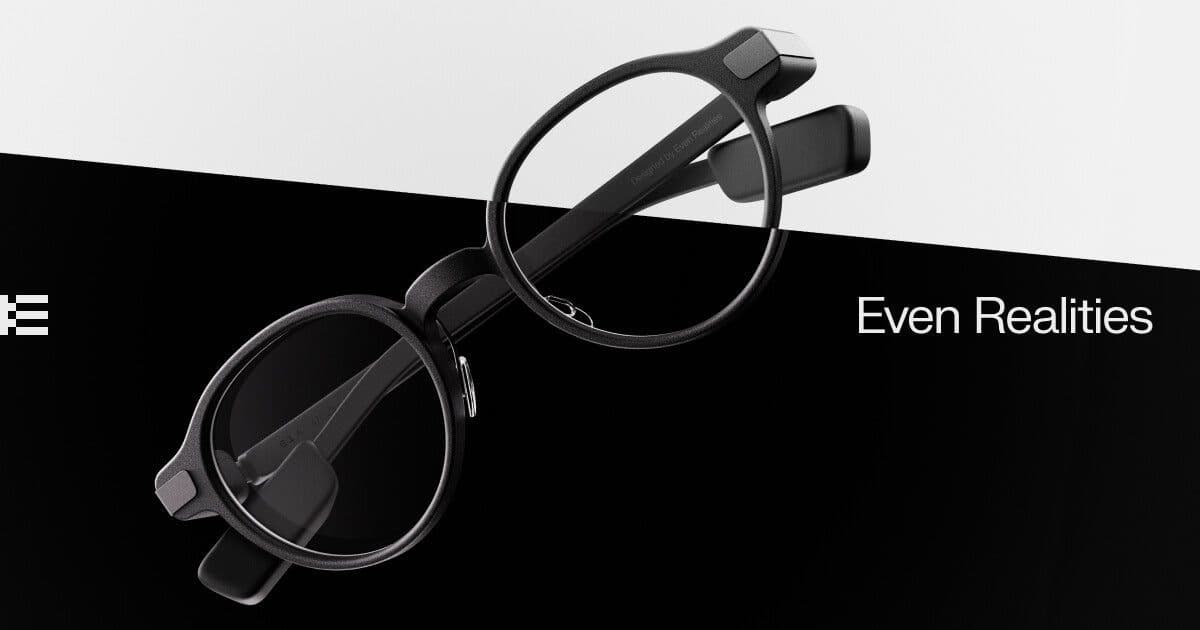
Even Realities G1 look like regular prescription glasses and show green text in a small display in both lenses. They're built for glanceable information: notifications, turn-by-turn directions, a teleprompter, live translation and an AI assistant. Beyond the official Even app, developers publish custom and open-source G1 apps, and the Mentra platform adds more.
- Display
- Monocular HUD
- Field of view
- About 25°
- Input
- Touch on the arms, phone app
- Where apps come from
- Even App built-ins plus the Mentra app ecosystem
How to get apps on Even Realities G1
Install the Even app on your phone to pair the glasses and turn on the built-in features. For third-party apps such as live captions, install the Mentra app. Open-source G1 apps are installed from their GitHub pages.
5 apps verified

Mentra - The Smart Glasses App
Hub app that pairs with Even Realities G1 and runs Mentra's built-in captioning, note-taking and translation tools.

Even Realities
Even Realities' official app for pairing the G1 and running its teleprompter, translator and navigation tools.
Cue
Open-source teleprompter app that scrolls scripts hands-free on the Even Realities G1 display.
Even Demo App
Even Realities' official open-source reference app for talking to Even AI and pushing text/images to the G1.
G1 Extended
Independent, telemetry-free Android client that unlocks custom HUD layouts on the Even Realities G1.
Common questions
Can you install apps on Even Realities G1?+–
Not on the glasses themselves. Features run from the Even phone app, and third-party apps run on your phone and send text to the display, through Mentra or directly over Bluetooth.
Are there custom or open-source apps for Even G1?+–
Yes. Even Realities publishes an open-source demo app, and the community has built apps such as the Cue teleprompter and G1 Extended. They are listed below.
Does Even Realities G1 do live translation?+–
Yes. Translation is built into the Even app and shows translated text on the lens as people speak.
Do Even Realities G1 have a camera?+–
No. G1 has microphones and a display but no camera and no speakers.