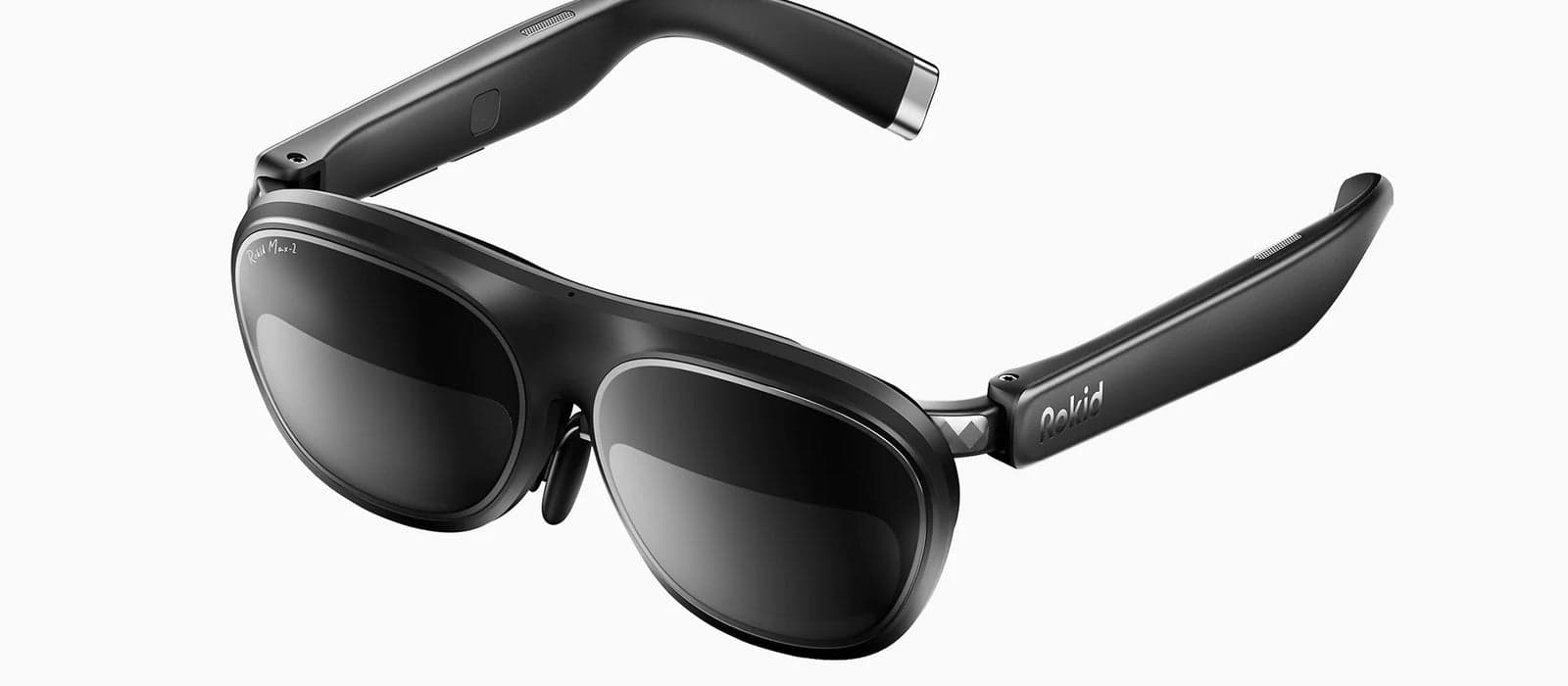
Rokid apps: what works on Rokid glasses
Rokid Max 2 glasses are a portable screen, similar to XREAL. They connect to phones, laptops, consoles or the Rokid Station over USB-C. Rokid Station adds an Android TV system with its own apps, so the glasses can work without a phone. These are the Rokid apps and compatible apps we have verified.
- Display
- Binocular micro-OLED
- Field of view
- About 50°
- Input
- Phone, Rokid Station or controller
- Where apps come from
- Phone, PC or console output plus Rokid software
How to get apps on Rokid Max 2
Plug the glasses into a USB-C device with video output, or pair them with Rokid Station and install apps from its store. The Rokid app on your phone handles settings and spatial features.
2 apps verified

Rokid
Rokid's official companion app for setting up and managing Rokid Max 2 AR glasses.

XRAI Glass
Real-time speech captioning and translation app that streams subtitles to XREAL and Rokid AR glasses.
Common questions
What apps can I use on Rokid Max 2?+–
Anything on the connected device. With Rokid Station you also get Android TV apps such as YouTube and streaming services.
What apps does Rokid Station have?+–
Rokid Station runs Android TV, so it has the Google Play apps for TV: YouTube, Netflix-style streaming apps and games, shown on the glasses.
Do Rokid glasses work with iPhone?+–
Yes with USB-C iPhones (15 and newer). Older iPhones need Apple's Lightning adapter and a power source.