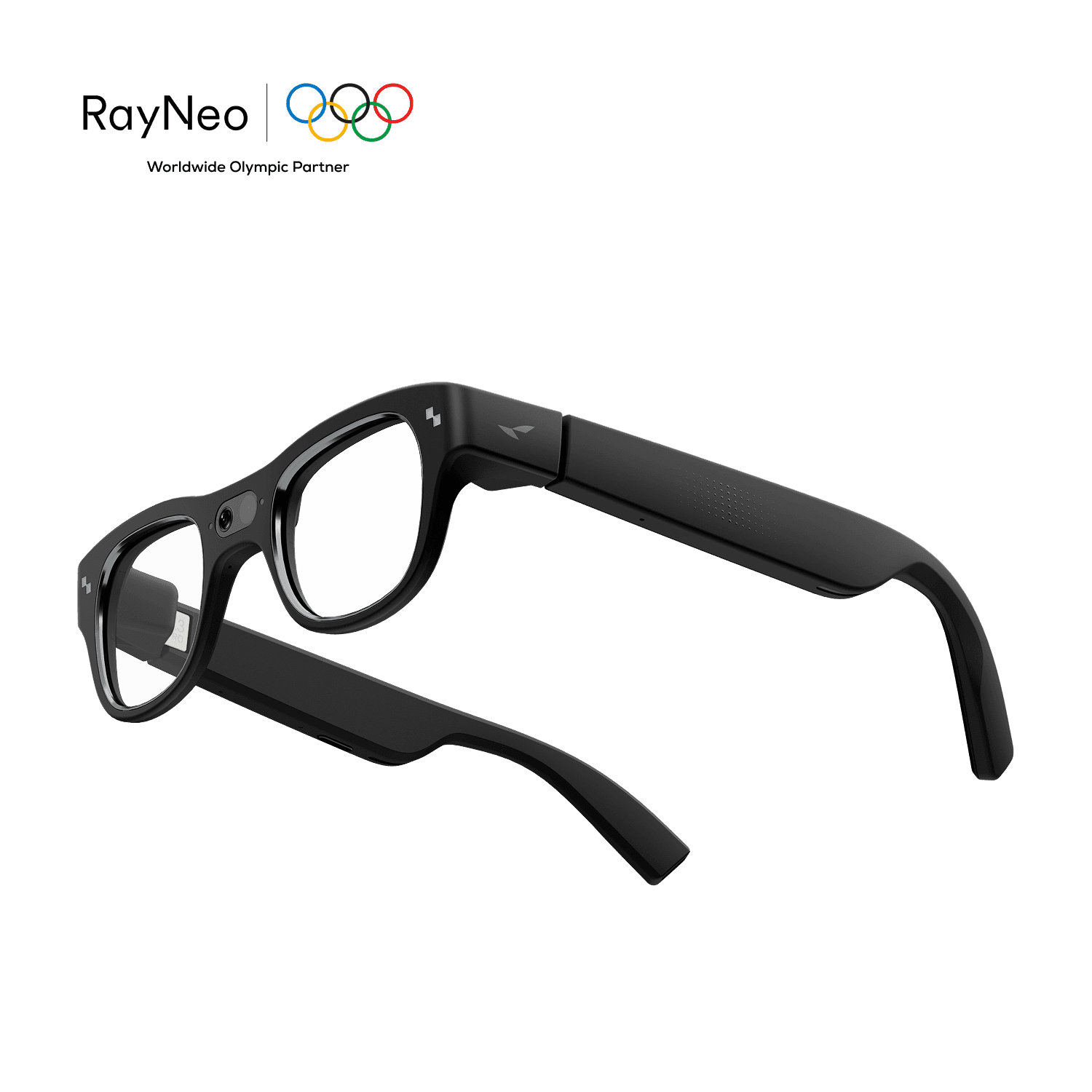
RayNeo X3 Pro apps
RayNeo X3 Pro are standalone AR glasses with a full-colour binocular MicroLED display, a 30° field of view and a Snapdragon AR1 chip. They run RayNeo AIOS, an Android-based system, with Gemini Live as the assistant. RayNeo says the glasses support selected apps.
Updated · every listing links its official sources
- Display
- Binocular display
- Field of view
- About 30°
- Input
- Touch temples + voice + RayNeo AR phone app
- Where apps come from
- Runs RayNeo AIOS (Android-based) with selected apps; others need manual installation or developer tools
How to get apps on RayNeo X3 Pro
Pair the glasses with the RayNeo AR app on your phone, which handles setup and firmware updates. RayNeo says some additional apps need manual installation or developer tools. Reviewers describe sideloading Android apps onto the glasses.
1 app verified

Common questions
Does RayNeo X3 Pro have an app store?+–
RayNeo's FAQ says the glasses run RayNeo AIOS on an Android-based platform and support selected apps, with some apps needing manual installation. We found no public store for outside developers.
Can you sideload apps on RayNeo X3 Pro?+–
Android Central says you can sideload apps because the glasses run a custom Android build. Sideloading skips store safety checks.
What is the RayNeo AR app?+–
It is the phone companion app. Tom's Hardware found it detected the glasses over Bluetooth, ran setup and installed firmware updates.
What is the RayNeo X3 Pro display?+–
RayNeo lists a binocular diffractive waveguide with a full-colour MicroLED at 640x480, 30° FOV and 3,500 nits average brightness.